How to record sound for a vlog cheaply and well
We often come across video blogs that are well shot but poorly recorded in terms of audio. It seems that most video bloggers do not pay enough attention to professional sound. This is probably because most YouTubers spend almost all their savings on a good camera and glass, hoping that the built-in microphone will be sufficient to record a professional voiceover. Unfortunately, that is not true. However, we can record good audio for a video blog without spending a fortune. That is what this article is about.
Option 1. Budget
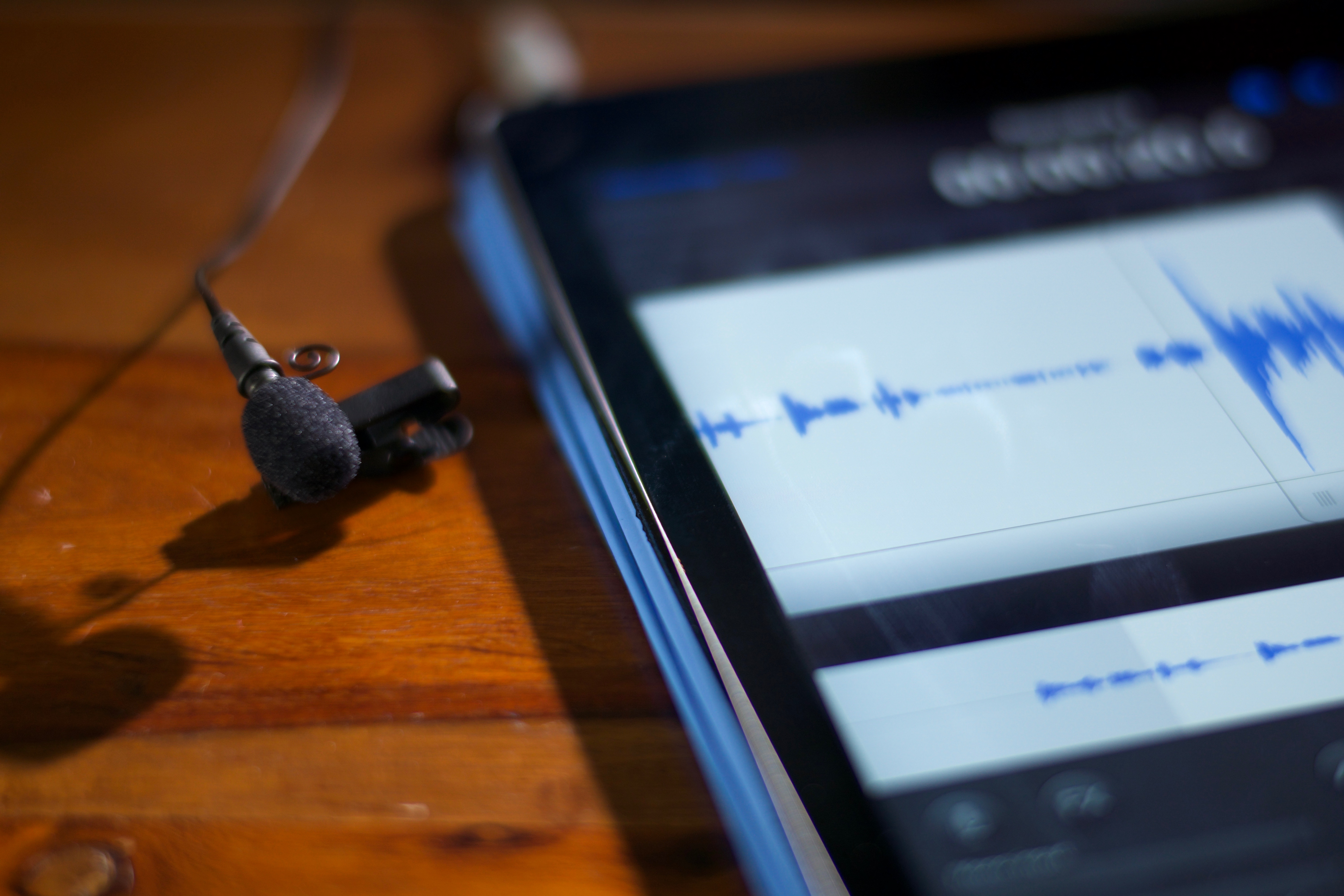
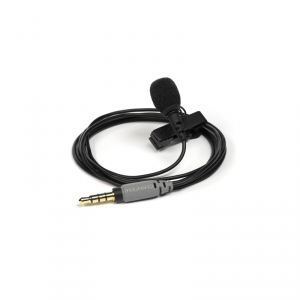
For recording a voiceover we use a lavalier microphone. The most budget-friendly and tested solution is the Rode SmartLav+. We connect the microphone to a smartphone and record audio on the phone using one of the free apps, such as Rode REC. Then we synchronise the audio recorded on the phone with the video files during editing. Remember to use the SmartLav with the "+" in the name — the previous version of this microphone was very poor quality.
Option 2. Advanced
This is the same as Option 1, but the microphone is connected to the RodeLink wireless system and audio is recorded directly to the camera. This eliminates the synchronisation step during editing and makes it easier for the camera operator to monitor the audio.
A few audio recording tips for beginners:
- the level of recorded audio should hover around -12 dB — if you record quieter the quality will be poor; if louder, you can easily clip the audio, making it unusable
- monitor the recorded audio through headphones (if possible; if not, listen back to the first test recording on headphones)
- if recording indoors, try hanging blankets on the walls to reduce room reverb — recordings, even with professional microphones, are often ruined by poor room acoustics
- position the microphone as close as possible to the speaker's mouth, around 15–20 cm — if the microphone is too far away, you will hear the room acoustics in the recording and it will not sound good
- if recording outdoors, use wind filters on the microphone
- if recording audio and video separately, clap your hands before the presenter speaks — a peak will appear on both the recorder and camera audio tracks, making synchronisation easier (if your editing software does not support automatic synchronisation)
Related products available for rent
More news